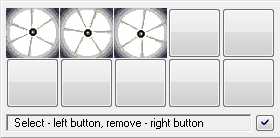
If any of the display modes Switch, Slow switch, Quick switch, or Very quick switch has been chosen in given bitmap line, it is possible to define a bitmaps sequence. Bitmaps in defined sequence are alternately switched - display one after the the other in a loop. The result of the sequence is an easy animation. The sequence must contain minimally 2 bitmaps on the first two positions. It is finished by the first undefined position or when all 10 bitmaps are defined.
To define an animated sequence:
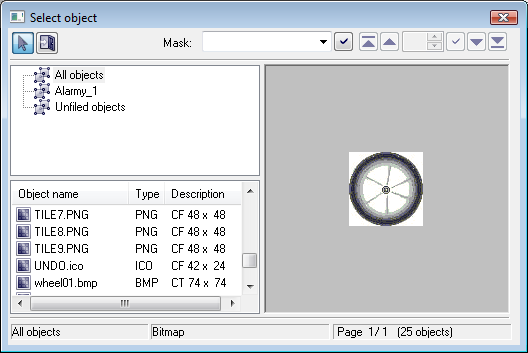
Tip: If you press and hold down the SHIFT key during selection of bitmap for given animation phase, the selection window will not close after selection and next selection of a bitmap defines the next animation phase. To use the method, a bitmap must be selected by double-click on their name.
Note: You need not to use all 10 animation phases to define an animation. Right-click on any box removes the animation phase.
The Cancel button (in the configuration dialog box BMP palettes) may acquire 3 background colors:
Bitmap palettes - configuration dialog box |