...
General properties
Groups
Parameters
Environment variables
| Kotva | ||||
|---|---|---|---|---|
|
...
Note: the following combinations are possible in the process configuration:
| Autostart | Reverse connect | Use case |
|---|---|---|
| On | Off | By default for all local processes started by and connecting to the D2000 Server only (even in case of redundancy). |
| Off | Off | Remote processes that connect to the D2000 Server (or multiple redundant D2000 Servers). |
| Off | On | Remote processes to which the D2000 Server (or multiple redundant D2000 Servers) connects. Typically located in a less secure network (e.g., DMZ) |
| On | On | A locally running process to which the D2000 Server connects. This combination has no use yet. |
Period
The period with which the D2000 Server will attempt to establish a reverse connection.
...
TCP ports to which the D2000 Server connects. If both are specified, it is a redundant connection (DualTCP) and the D2000 Server connects to Host_A:Port_A and Host_B:Port_B.
Note: normally, these are the same TCP ports, different ports would be possible, e.g. in complicated network configurations with IP address and port translation.
| Kotva |
|---|
...
|
...
|
...
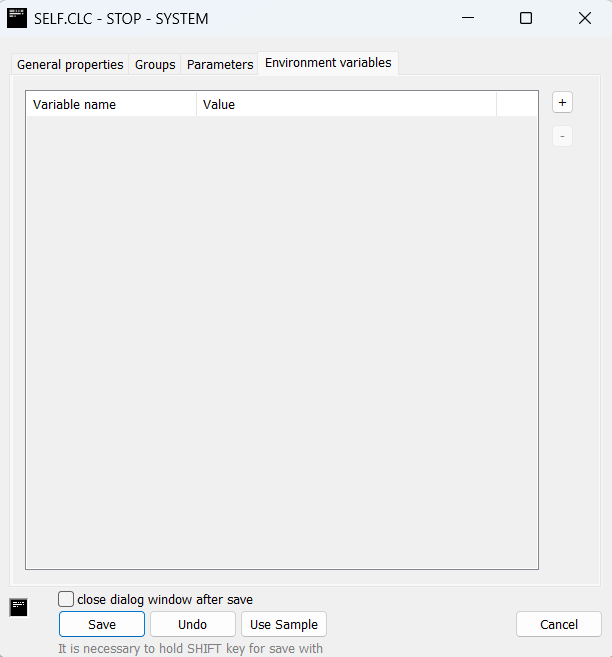
Environment variables are used when it is necessary to modify the values of existing variables or add new ones for a specific process.
These changes are local to the given process and do not affect the global settings of the operating system. Works only when option "As process" is selected out of options for starting process.
For every process, there are 3 predefined variables:
- D2000_INSTALLDIR -path to installation directory
- D2000_APPLDIR - path to application directory
- D2000_LOGDIR - path to log directory
Variable Name
The name of the environment variable to be set for the process.
...