...
Displaying of each axis may be enabled/disabled in the graph window according to the user's needs.
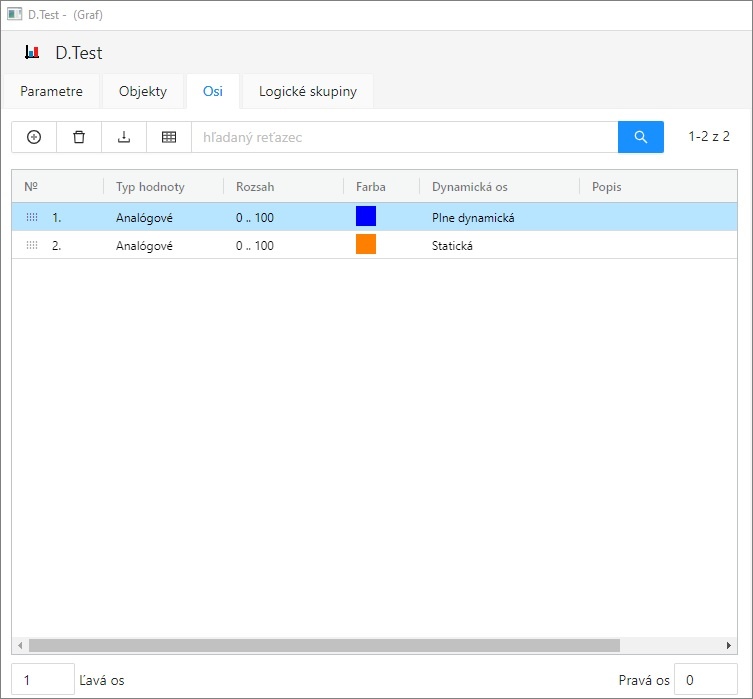
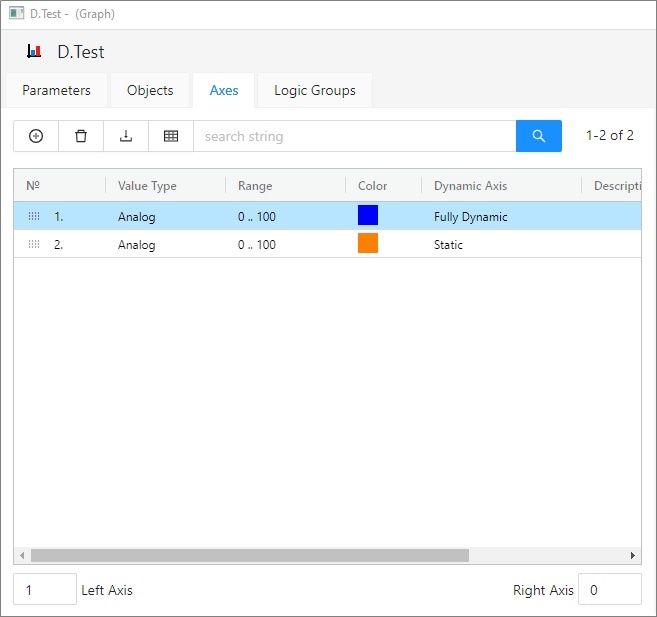
Add/Delete Axis
...
| Nr. | Axis serial number. The number is also in the header of Axis configuration dialog box. |
| Value type | Value type (the parameter Axis type in the dialog box Axis configuration). |
| Range |
|
| Color | Axis color (the parameter Axis color in the dialog box Axis configuration). |
| Dynamic axis | Dynamic axis type - for analog axis only (the parameter Dynamic axis in the dialog box Axis configuration). |
| Description | Axis description (the parameter Axis description in the dialog box Axis configuration). |
Change order
Hold and move the icon up/down to change the order of objects in the list. The order defined in the list will be adjusted in point configuration.
...
| Info | ||
|---|---|---|
| ||