...
- Zo stránky https://github.com/grafana/tempo/releases stiahneme súbor tempo_<verzia>_windows_amd64.tar.gz
- Súbor rozbalíme do zvoleného adresára, napr.
c:\otel\tempo\ - V adresári vytvoríme konfiguračný súbor
tempo-config.yamls nasl. obsahom:Blok kódu language yml title otel-config.yaml storage: trace: backend: local local: path: ./ distributor: receivers: otlp: protocols: grpc: endpoint: localhost:44317 http: endpoint: localhost:44318 server: http_listen_address: localhost http_listen_port: 3200 grpc_listen_address: localhost grpc_listen_port: 49095
Spustenie tempo vykonáme príkazom tempo.exe -config.file tempo-config.yaml Spustenie tempo vykonáme príkazom tempo.exe -storage.trace.backend local -storage.trace.local.path ./ v adresári c:\otel\tempo\
prometheus
...
V grafana je potrebné nakonfigurovať zdroje dát (Data sources):
loki
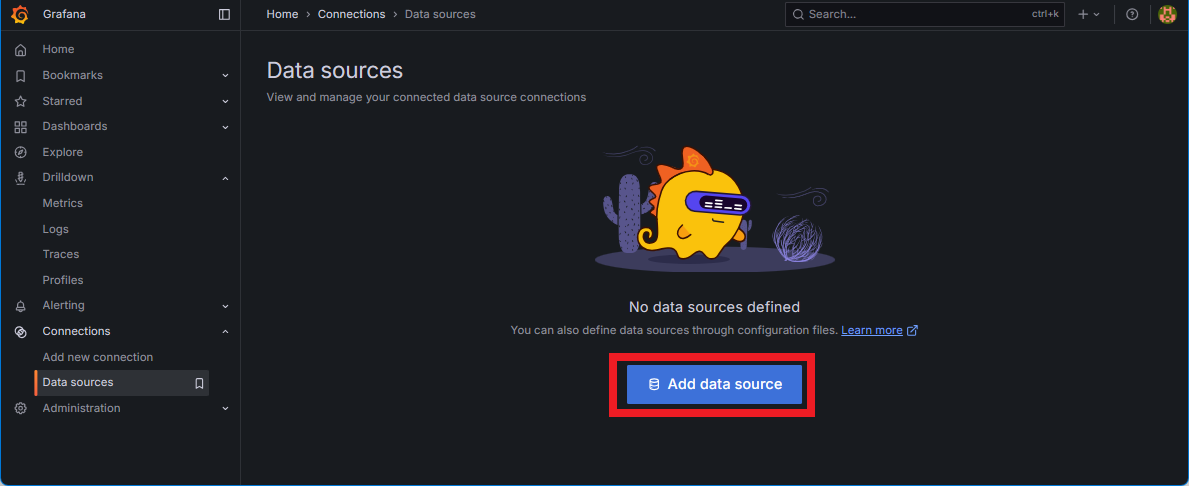
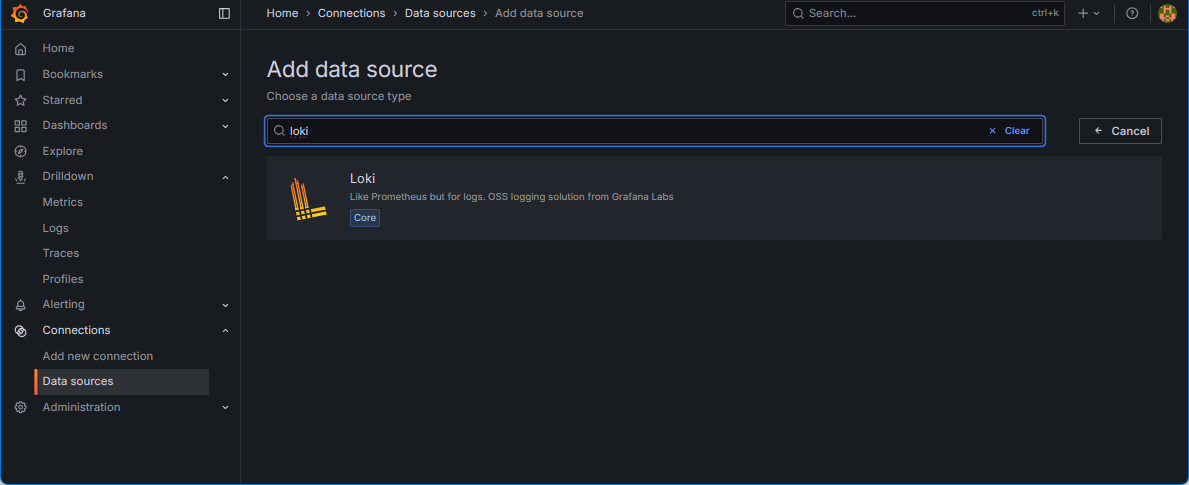
vyplníme Connection URL
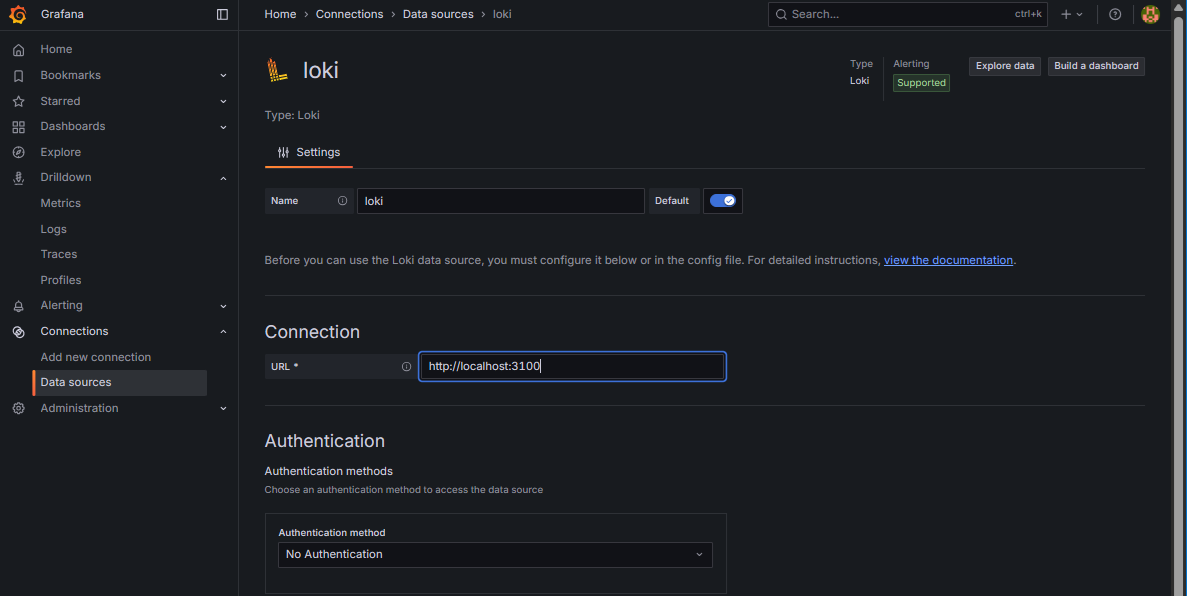
A na spodu stránky klikneme "Save & test"
tempo
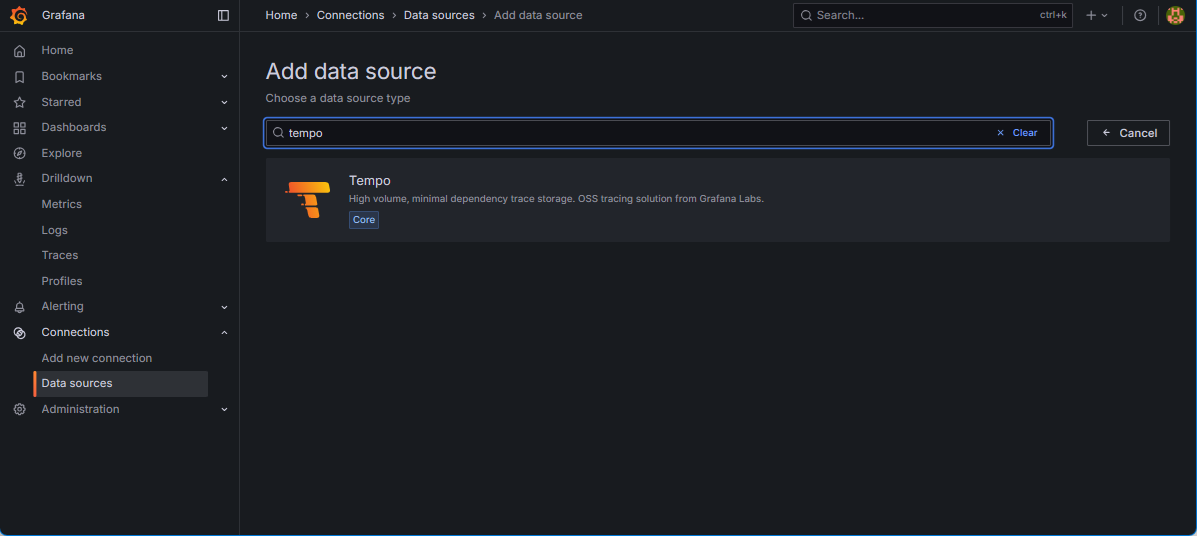
vyplníme Connection URL
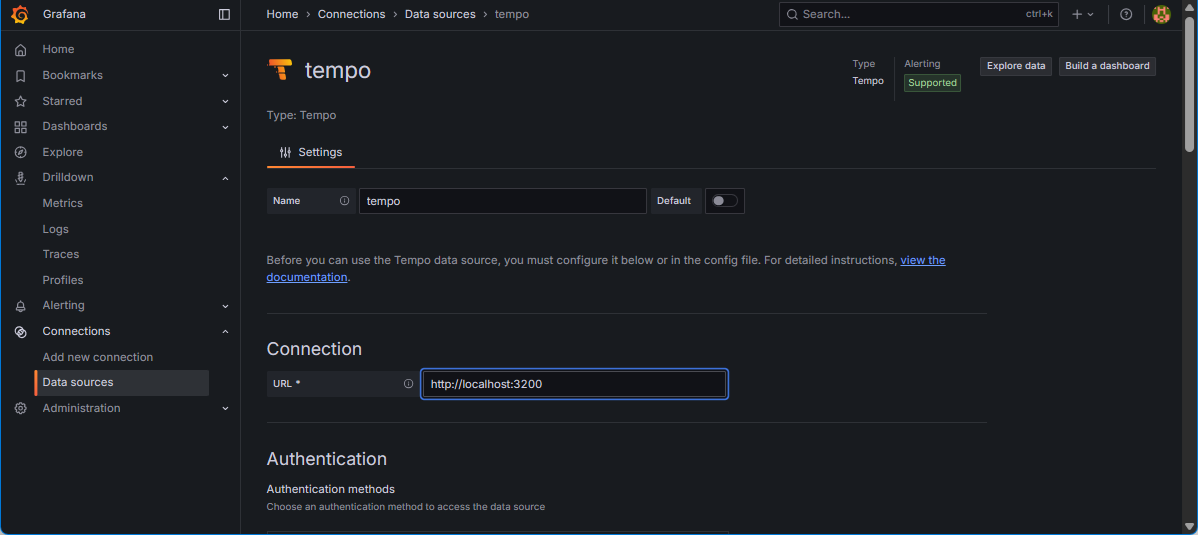
A klikneme "Save & test"
prometheus
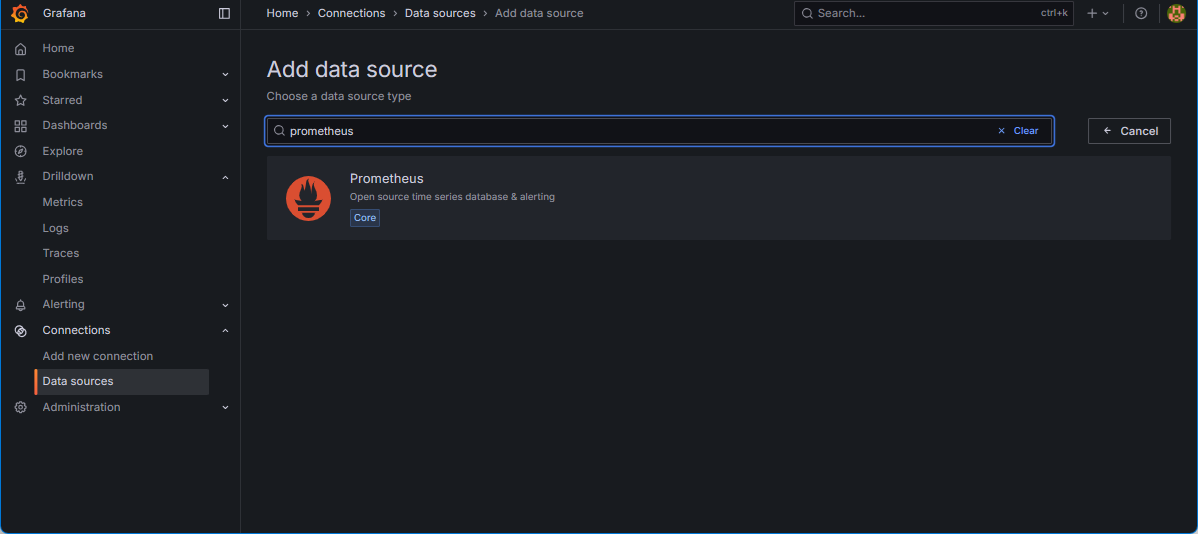
vyplníme Connection URL
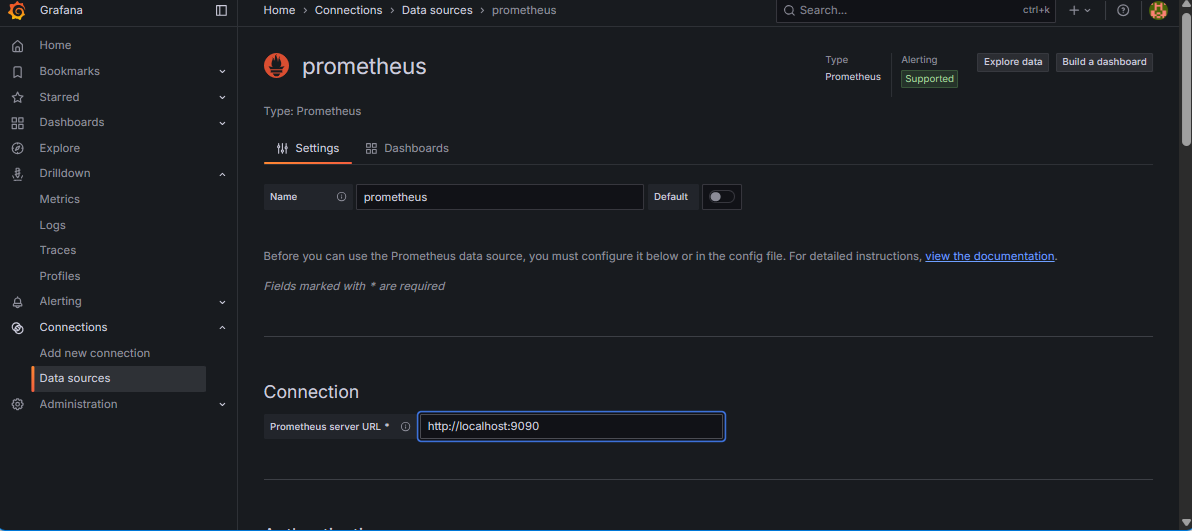
A klikneme "Save & test"